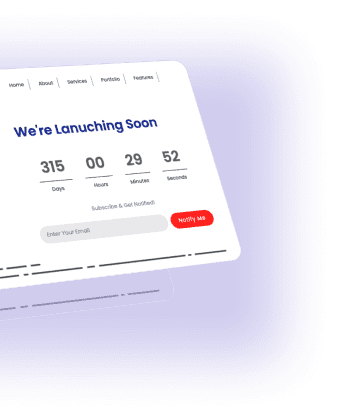
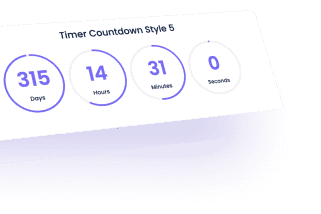
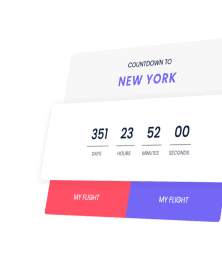
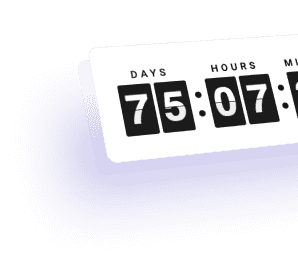
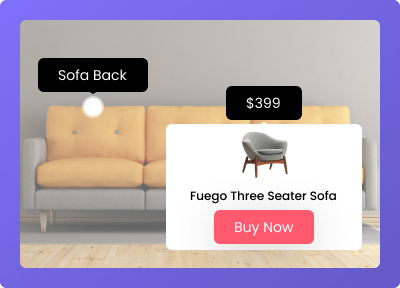
Setup standard time countdown, Scarcity or Evergreen time countdown, also add fake numbers to create FOMO and more features to power up game of countdown in your Elementor page builder for WordPress.
Create an elegant Countdown timer with a professional touch.
Evergreen Time Countdown
Setup your countdown based on user’s visit on site. It’s will reset all time when someone visit site or you may choose cookie based Evergreen timer.
Scarcity timer/number Counter
You can setup numbers to be decreased or increased based on your requirements to generate FOMO in users. It’s very helpful in Ecommerce sites.
On Expiry Action
Once your timer get expired Set page redirect, text message, or Elementor template with any Elementor widget to show there.
Customise all Labels
Get flexibility to change all labels like Day, Month and more with simple dynamic elementor field setup.
Multiple Theme Options
You may setup dark, light and mix theme based cosmetic changes in all countdowns. Unique mix theme auto changes colors.
3+ Unique Skins
Get 100% flexibility in layouts using base 3 skins and with unlimited customisation options from cosmetics to structural dynamic time countdown options.
Compatibility
Works will all WordPress Themes, Tested cross browsers and with all 3rd part addons compatibility.
Evergreen : Time Delay
In your evergreen or scarcity countdown time, Setup time interval between two timer setup after expiry and restart of timer.
Auto-hide Scarcity
When the scarcity timer reach at 0:0 set it to auto-hide and or select from multiple of options to page redirect or content showcase.
Evergreen : Cookie based
By enabling this option, You may store data of visitor in their local setup so once they visited site their countdown looks real until reset time is reached.
Easy To Implement
Setting up countdown time is a very intuitive drag and drop interface, No need to code, No difficulties in elementor.
Responsive Design
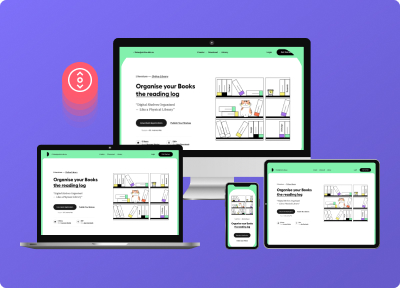
Multiple options to make all yout countdown designs to be mobile device friendly and customisation options to deliver smooth mobile UX.
Clean coded
No need to worry about code. Our experts have already taken care of and used minimum code to provide the best website performance. 100% made in vanilla JS.
Copy-Paste demos
13+ demos just copy and paste into your Elementor editor using The Cross-Domain Copy-Paste feature.
Can I use it to create a WooCommerce sales countdown?
You can use it to create any kind of countdown or timer in a WordPress website.
What is Evergreen countdown timer?
Evergreen countdown timer is to display your countdown in a loop to create scarcity or FOMO for website visitors. It helps boost conversations and sky rocket sales.
How to create evergreen countdown in elementor and WordPress?
Use Countdown widget from The Plus Addons for Elementor for WordPress and from dropdown choose scarcity/evergreen countdown option. Then, Select options available in Extra options of content tab related to time delay, cookies, loop and more.
How to Run a WooCommerce Flash Sale with Endless or Evergreen Countdown?
You need to prepare all flash sale related coupons and pricing page. With that, Use widget called Countdown timer from The Plus Addons for Elementor and put that on header or footer and showcase scarcity fake countdown timer to users to create FOMO.
What are the types of countdown timers In this Elementor widget?
With the countdown widget, you can create any type of timers like product announcements, maintenance break, sale timer, Flash sale timer, coupon expiry timer, Fake number counter, and more. This can be possible with our time countdown options like Normal/Standard Countdown, Scarcity/Evergreen Countdown, and Fake Number counter.
What happens if the count down timer expires?
You can set Timer to hide when it expires or you can redirect users to specific website URL, You can show any message in countdown or you may show elementor template in place with any elementor widgets or any content in place.
No, This Timer countdown widget will work perfectly fine with the Elementor Free version.
Will this widget affect my site performance?
Not at all, we have a smart optimized asset delivery method where only 1 CSS and 1 JS will load, to reduce unnecessary extra code bloat.
What if I want to use only this widget out of 120+ widgets, will my site go slow?
We are the 1st Elementor Addon to bring you the power of unused widget’s scanner for both Elementor and The Plus widgets, using which you can disable all the unused widgets in one click. Which will complete deregistering the code for other widgets as if they never existed. See Live Demo
Does this is free countdown timer for Elementor website builder of WordPress?
Yes. It’s Free countdown timer widget to use. It’s having some pro features which requires you to have pro version of The Plus Addons for Elementor. Compare Free vs Pro
How to setup WordPress Countdown timer without writing custom code?
You can setup countdown timer in WordPress using elementor and The Plus Addons for elementor free version. You need to use countdown widget from the plus addons and use related options to achieve lots of timer layouts.